Insho 印章
Hands-Free, Vision-Controlled PDF Reader for Distance & Mess-Free Reading
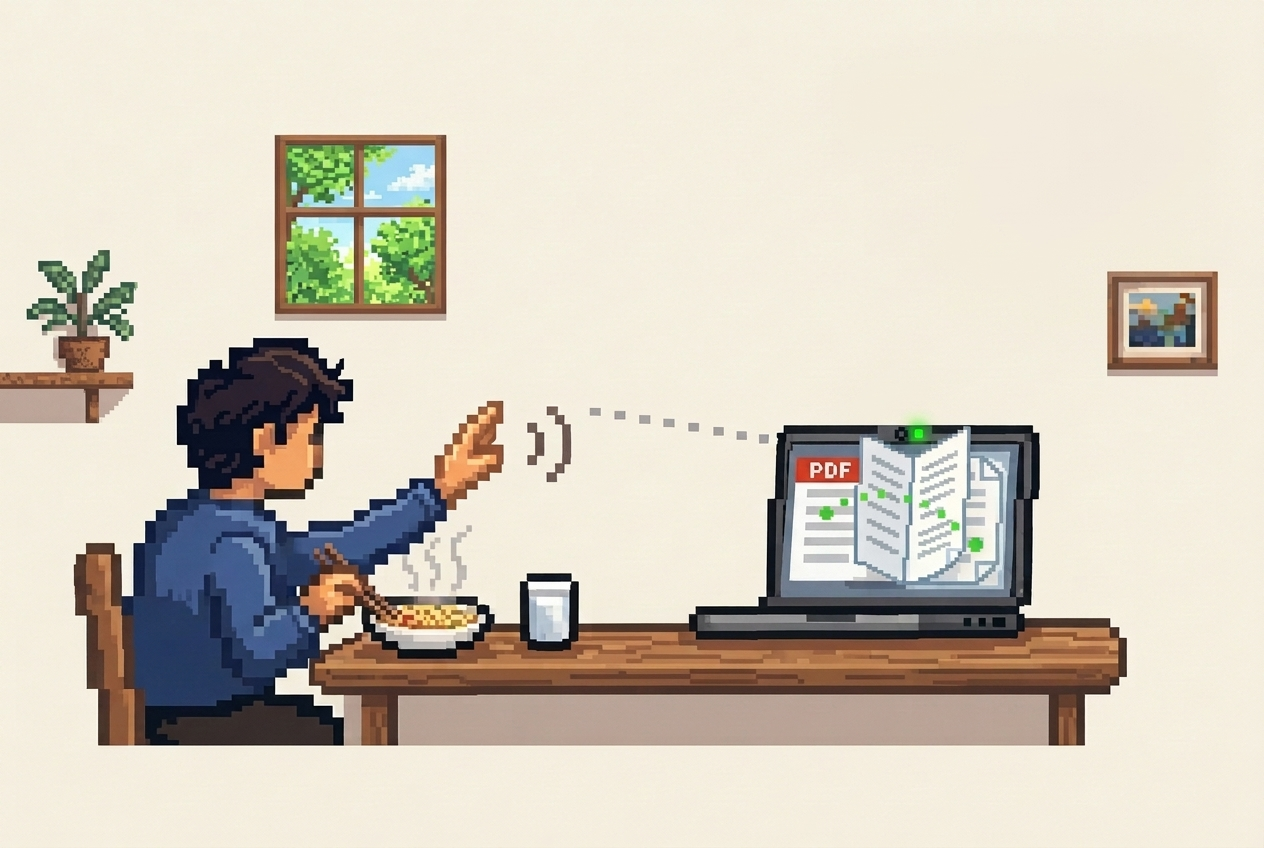
Insho 印章 is an intelligent, camera-powered PDF reader that lets you navigate, scroll, and zoom documents completely hands-free using natural hand gestures. No mice, no keyboards, and no touchscreen smudges: designed specifically for reading comfortably from across your desk or while having meals.
“As a kid, I used to read books while having meals. Now I read technical papers, textbooks, and ebooks on my computer, which can get messy if I keep them close while eating. I wanted a way to read from a comfortable distance away from my screen without constantly wiping my hands to touch the keyboard or trackpad.”
Key Features
- Touchless Navigation: Turn pages forward or backward, scroll in any direction, and zoom smoothly without physical contact.
- Floating Virtual Joystick: An intuitive open-palm joystick mode that lets you scroll vertically or horizontally based on relative hand displacement.
- Smart Axis Locking: Automatically detects whether you intend to scroll vertically or horizontally and locks the axis to eliminate jitter and diagonal drift.
- Proportional Pinch-to-Zoom: Pinch thumb and index finger to scale the document between 50% and 400% zoom with fine-grained control.
- Instant Zoom Reset: Quickly snap back to default 100% view using a simple "OK" hand sign.
- Pause & Resume Tracking: Toggle gesture recognition on or off with the Spiderman sign so you can eat, take notes, or talk without accidentally triggering gestures.
- 100% Private & Local: All computer vision inference runs strictly on-device in WebAssembly/WebGL. No video, images, or documents are ever uploaded to the cloud.
Vision Model & Architecture
Insho 印章 leverages Google MediaPipe Tasks Vision running directly in the browser runtime:
┌────────────────────────────────────────────────────────┐
│            Webcam Stream (640x480 @ 60fps)             │
└───────────────────────────┬────────────────────────────┘
                            │
                            ▼
┌────────────────────────────────────────────────────────┐
│     Google MediaPipe HandLandmarker (WASM + WebGL)     │
│        hand_landmarker.task (21 3D Landmarks)          │
└───────────────────────────┬────────────────────────────┘
                            │
                            ▼
┌────────────────────────────────────────────────────────┐
│  Heuristic Gesture Engine (Euclidean Geometry & Axis)  │
└───────────────┬─────────────────────────┬──────────────┘
                │                         │
                ▼                         ▼
   [Page Trigger & Flip]         [Virtual Joystick 2D]
                │                         │
                └───────────────┬─────────┘
                                │
                                ▼
┌────────────────────────────────────────────────────────┐
│         React-PDF Viewer & Web Worker Canvas           │
└────────────────────────────────────────────────────────┘
Model Bundle
hand_landmarker.task (7.8 MB pre-trained on-device weights)
Execution Target
Browser WebAssembly delegated to GPU via WebGL
Landmarks
21 3D Cartesian coordinates (x, y, z) per hand in normalized camera space
Confidence Gate
0.70 detection, 0.70 presence, 0.70 tracking threshold
Gesture Controls & How It Works
| Gesture | Hand Pose | Action | Mechanism & Parameters |
|---|---|---|---|
| Virtual Joystick | Open Palm (all 5 fingers extended) | Smooth 2D Scroll (Up / Down / Left / Right) | Anchors initial hand position; displacement scales speed with ±12% deadzone and axis locking. |
| Next Page | Two Fingers Pointing Down (Index + Middle down) | Next Page | Flips to the subsequent page with a 1000ms debounce cooldown. |
| Previous Page | Two Fingers Pointing Up (Index + Middle up) | Previous Page | Flips to the preceding page with a 1000ms debounce cooldown. |
| Pinch-to-Zoom | Index + Thumb Pinch | Dynamic Zoom (50% – 400%) | Spreading index and thumb zooms in; bringing them closer zooms out. |
| Reset Zoom | "OK" Sign (Thumb & index tips touching) | Reset to 100% | Restores page scaling to default 1.0x with a 1000ms cooldown. |
| Pause / Resume | "Spiderman" Sign (Thumb, index & pinky extended) | Toggle Tracking Freeze | Freezes gesture recognition until toggled again with a 1500ms safety guard. |
Under the Hood: Gesture Classification Logic
Insho 印章 translates raw landmark coordinates into semantic interactions through spatial geometric checks:
- Finger Extension Heuristic: A finger is considered extended if the Euclidean distance from the wrist (Landmark 0) to its fingertip exceeds the distance from the wrist to its PIP joint.
- Pointing Direction: Comparing fingertip Y-coordinates against metacarpophalangeal (MCP) joints determines upward versus downward orientation.
- Virtual Joystick Mechanics: Upon transitioning into Open Palm, the initial wrist coordinate is recorded as the neutral anchor point. Continuous displacement offsets are computed each frame with an active deadzone of 12% to prevent drift. Once the threshold is broken, the axis locks to whichever direction has greater magnitude until reset.
- Continuous Pinch Math: Isolates the Euclidean distance between Landmark 4 (thumb tip) and Landmark 8 (index tip), applying deadband filtering to prevent jitter on release.